Troubleshooting a Turntable That Skips, Hums, or Drags
Why is my turntable skipping or sounding off?
On this page
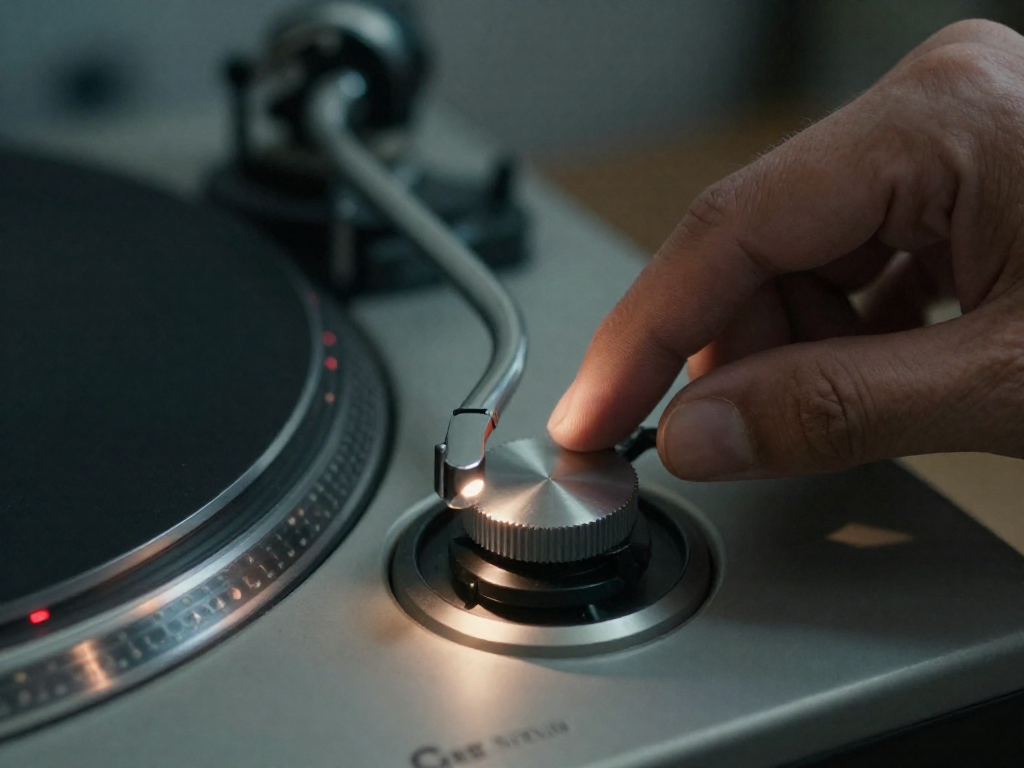
Start Here: Match Your Symptom to the Cause
Before you panic that your beloved turntable is toast, take a breath. Most of these gremlins are cheap and easy to chase down. Find your symptom below, then jump to that section.
| What you're hearing | Usual culprit | Typical fix cost |
|---|---|---|
| Skipping or jumping | Tracking force, a dusty stylus, or an unlevel surface | Free–$20 |
| Humming or buzzing | A loose or missing ground wire | Free |
| Dragging, warbling, or "slow" pitch | Worn drive belt or wrong speed setting | $10–$20 |
In plain terms: skips are usually the needle's grip on the groove, hums are almost always grounding, and that seasick warble means your platter isn't spinning at a steady speed.
Two quick safety notes before you start poking around:
- Power off and unplug before checking belts, wiring, or anything underneath the platter.
- Treat the stylus like a tiny, fragile fingertip. Lift it gently by the headshell, never the needle itself, and brush dust away from front to back.
Good news for your wallet: nearly every fix here is free or under $20. You almost certainly won't need a repair shop, so let's roll up our sleeves.
Why Your Turntable Skips (Tracking & Stylus Issues)
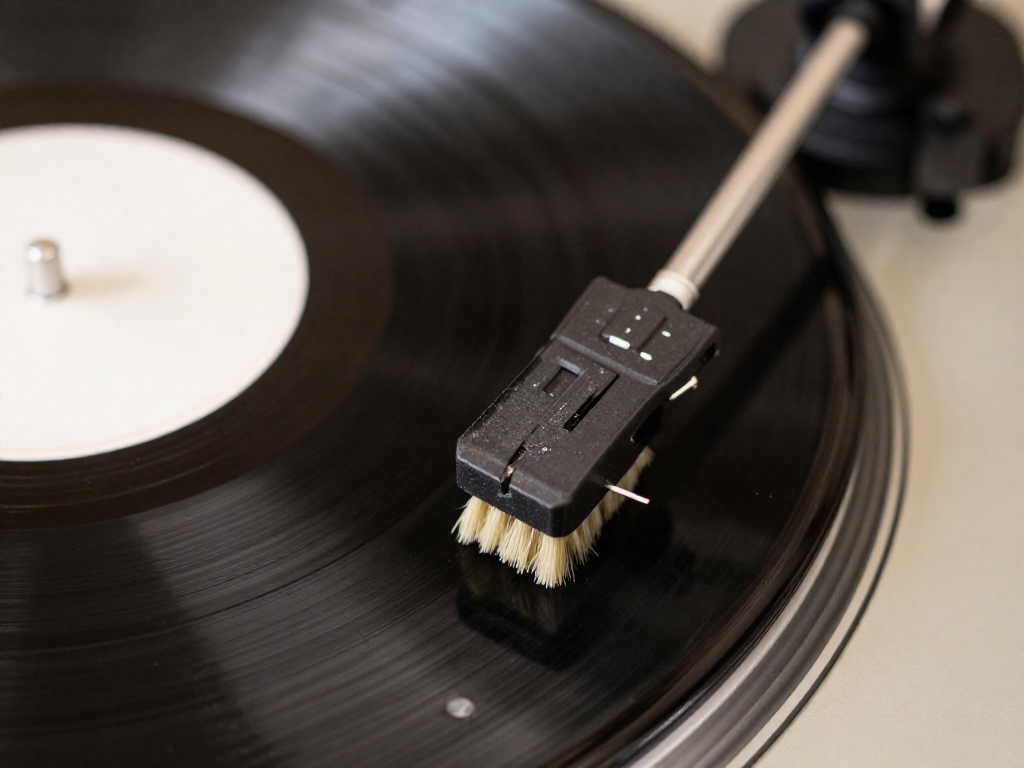
Few things sour a quiet evening with a favorite record faster than that ksshk—jump as the needle hops a groove. The good news: skipping is almost always fixable at home, often in minutes and for zero dollars. Work through these in order.
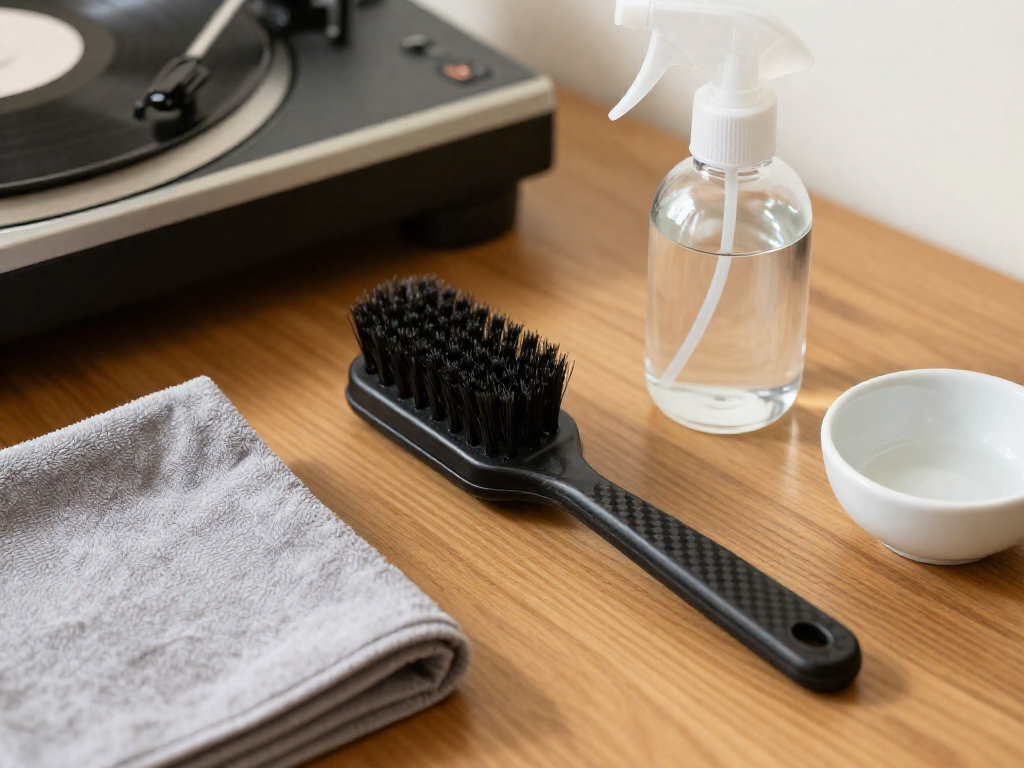
1. Clean the record and stylus first. Dust is the number-one culprit. Wipe the record with an anti-static carbon-fiber brush ($10–$20) following the grooves. Then check the stylus tip with a magnifier—a tiny gray fuzzball there will make any needle skate. Brush it gently back-to-front (never side to side) with a soft stylus brush.
2. Check your tracking force. If the record is clean and it still jumps, the needle may be riding too light. That little weight on the back of the tonearm—the counterweight—sets how hard the stylus presses into the groove. Too light and it literally bounces out. Look up your cartridge's recommended force (usually 1.5–2.5 grams) and dial the counterweight to match. A digital stylus scale runs about $12–$25 and removes all the guesswork.
3. Set anti-skate. Anti-skate is a small dial or weight that gently tugs the tonearm outward to counter its natural pull toward the center. In plain terms: it keeps the needle sitting evenly in the groove. A common starting point is to match it to your tracking force number, then nudge from there.
4. Level the deck. A turntable tilted even slightly will let the arm drift and skip. Lay a small bubble level on the platter and adjust the feet (or shim the shelf) until it reads true.
5. Tame vibrations. Bouncy hardwood floors and footsteps travel right into the platter. Move the table to a sturdy shelf or wall mount, or set it on a slab of MDF with rubber feet or squash-ball isolation pads.
6. Suspect the stylus itself. If you've tried everything and it still skips—or sounds harsh—a worn or chipped tip may be the real problem. Most styli last 500–1,000 hours; replacements for common cartridges run $20–$40. Swapping one is easier than it looks and often the cheapest fix of all.
Why Your Turntable Hums (Grounding & Connection Issues)
That low, steady drone underneath your favorite record? Nine times out of ten it's not a broken turntable — it's a grounding or connection gremlin. The good news: most fixes cost nothing but a few minutes.
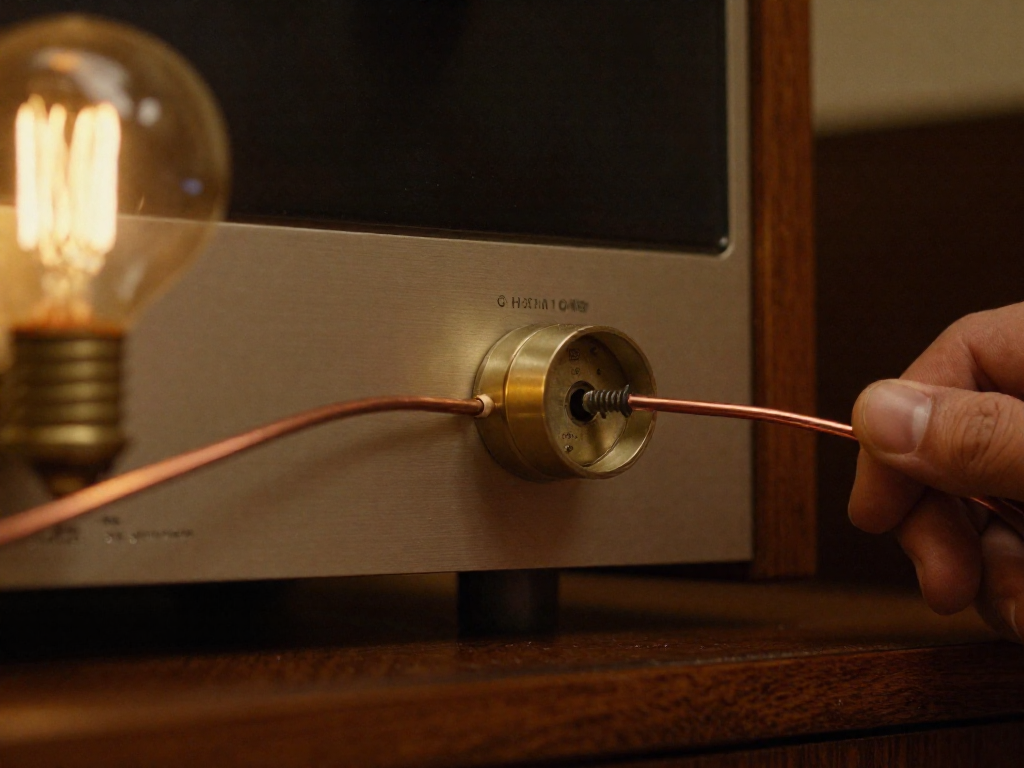
Start with the ground wire. Most turntables have a thin wire (often green or copper) ending in a U-shaped spade connector. It needs to attach to the grounding post on your amp or receiver — usually a little screw terminal labeled "GND" or "Ground." If that wire is dangling loose behind your console, you've likely found your 60Hz hum. Loosen the post, slip the spade under it, and tighten. Hum gone? You're done.
Check your RCA cables. The red and white plugs should be pushed in firmly and matched to the correct jacks (red to red, white to white). A half-seated or corroded connector is a classic buzz culprit. Wiggle them, reseat them, and if they look grimy, a quick wipe helps.
Mind the phono vs. line mismatch. This trips up almost everyone. A turntable's signal is very weak and needs a phono input (or a separate phono preamp). Plug it into a regular "line," "aux," or "CD" jack and you'll get a faint, distorted, hum-laced mess. Check that your turntable goes into a jack labeled PHONO — or add an inexpensive phono preamp ($20–$40) if your receiver doesn't have one.
Hunt for interference. Power strips, light dimmers, fluorescent fixtures, and Wi-Fi routers can inject buzz. Try plugging the turntable straight into the wall and moving it a foot or two from other electronics.
Run through all of this before you blame the cartridge or shell out for new gear — the cheap fixes solve the hum surprisingly often.
Why Your Turntable Drags or Warbles (Speed & Belt Issues)
There's nothing quite like the gut-punch of hearing your favorite record slow to a syrupy, underwater crawl—or wobble like it's seasick. The good news? Speed problems are usually cheap and easy to fix.
First, check the obvious: the speed setting. Most records spin at 33⅓ RPM (full albums) or 45 RPM (most 7-inch singles). If a single sounds sluggish, you've probably left the switch on 33. Flip it to 45 and you're done. Yes, this trips up everyone—no shame in it.
The #1 cause of dragging: the drive belt. Belt-drive turntables (the most common vintage style) use a thin rubber band to spin the platter. After years in a closet, that belt stretches, hardens, or slips off its track, and your music sags as a result.
How to check it: Unplug the player, lift off the platter (it usually just pulls straight up), and look for the belt looping around the inner hub and motor pulley. If it's loose, cracked, or slack, reseat it snugly around the pulley. If it's stretched or brittle, replace it—generic and model-specific belts run about $8–$20 online, and swapping one takes five minutes.
Wobble (called "wow and flutter") can also come from a warped record—hold the disc at eye level to spot any potato-chip curling. If the warp is on the record, not the player, the turntable's fine.
Direct-drive decks (no belt; the motor spins the platter directly) rarely drag, but speed drift usually means a worn motor or control board—a job better left to a repair tech.
Routine Care to Prevent Future Problems
Here's the good news: most skips, hums, and warbles are easier to prevent than to fix. A few simple habits will keep your deck spinning happily for years.
- Clean as you go. Give each record a quick wipe with an anti-static brush before play, and gently clear lint off the stylus with a soft stylus brush (front to back, never side to side). A carbon-fiber brush and stylus brush set runs about $15–$25.
- Level it and move it. Set the turntable on a sturdy, level surface using a small bubble level, and keep it away from your speakers so bass vibrations don't cause skipping.
- Swap parts on schedule. Plan to replace the stylus every 800–1,000 hours of play (roughly every year or two for casual listeners), and check the drive belt every few years—replacement belts are usually $10–$20.
- Store smart. Keep the dust cover down between sessions, and store records upright, never stacked flat, to avoid warps.
Spend ten minutes a month on this and you'll dodge most of the headaches in this guide.
When to Call a Pro (or Upgrade)
Some fixes are genuinely beyond a beginner's screwdriver, and that's okay. If your platter won't spin at all, makes grinding noises, or the speed drifts even after a new belt, you may be looking at a tired motor or frayed internal wiring. That's the moment to step back.
Here's the honest math: a repair shop visit often runs $50–$150. For a basic entry-level deck you snagged for $40 at a thrift store, replacement usually wins. For a vintage Technics or a well-built '70s receiver-era turntable, repair is almost always worth it.
Before giving up, try these wallet-friendly upgrades:
- A new cartridge/stylus ($20–$60) — the single biggest sound improvement
- A better platter mat (cork or rubber, ~$15) to reduce static and resonance
- Isolation feet (~$15–$25) to stop footstep skips
Small swaps, big payoff — no expertise required.
FAQ
Why does my turntable skip on a clean record?
Even on a spotless record, skipping usually points to setup rather than the disc itself. The most common culprits are too-light tracking force (the stylus literally bounces out of the groove), an unbalanced or poorly set counterweight, or a turntable sitting on a wobbly surface that transmits footsteps and bass vibration. Start by checking that your platter is level using a small bubble level, then confirm the tonearm counterweight is set to your cartridge's recommended tracking force (typically 1.5–2.5 grams for most consumer cartridges). Also inspect the stylus tip with a magnifier or your phone's macro mode for a stuck dust ball, which can ride the groove and cause jumps. If it only skips at certain spots, the groove may have a hidden scratch or pressing flaw, but a clean record skipping everywhere is almost always a tracking or stability issue you can fix at home for free.
How do I get rid of the hum from my record player?
That low, steady hum is almost always a grounding or interference problem, not a broken turntable. First, locate the thin ground wire coming from your turntable (it usually has a spade or fork connector) and make sure it's attached to the grounding post on your amplifier or receiver — a disconnected ground is the number-one cause of hum. If that's already connected, try moving the turntable away from other powered gear like amps, power strips, and especially wall-wart transformers, which throw off electrical noise. Swapping to better-shielded RCA cables can help, and so can plugging your gear into the same outlet to avoid a 'ground loop.' If the hum only appears when you touch the tonearm or metal parts, that's a classic grounding clue. Most hum fixes cost nothing and take five minutes of cable shuffling.
What tracking force should I set for my turntable?
Tracking force is the downward pressure the stylus puts on the record, and the right number comes from your cartridge's specs, not a universal rule. Most common moving-magnet cartridges call for somewhere between 1.5 and 2.5 grams — check the manufacturer's listed range, which is often printed in the manual or on their website. To set it, balance the tonearm so it floats level, zero the dial on the counterweight, then dial in your target weight. Going too light causes skipping and groove damage from the stylus chattering; going too heavy adds unnecessary wear and can muddy the sound. A cheap digital stylus force gauge (around $10–$20) takes the guesswork out and is one of the best small upgrades a new collector can make. When in doubt, set it to the middle of the recommended range and adjust by ear.
How do I know if my turntable belt needs replacing?
On a belt-drive turntable, the belt is a rubber loop that can stretch, crack, or go slack over the years — and on vintage decks pulled from an attic, it's often the first thing to fail. Telltale signs include a platter that spins slowly, won't reach full speed, takes a long time to start, or doesn't turn at all even though the motor runs. Lift the platter (usually it just sits on a spindle) and inspect the belt: a healthy one is springy and snug, while a bad one looks glazed, gummy, cracked, or hangs loose. If it's stretched, it'll feel limp instead of taut. Replacement belts are inexpensive — typically $5–$15 — and you'll want one sized for your specific model, so search by your turntable's brand and number. It's a tool-free swap that's perfect for a first repair.
Why does my record sound slow or warbly?
A slow, wavering, or seasick pitch — collectors call it 'wow and flutter' — means your platter isn't spinning at a steady, correct speed. On belt-drive tables the usual suspect is a worn or stretched belt that's slipping; on any table, double-check you haven't accidentally set 45 RPM for a 33 album or vice versa. Other causes include a dirty drive belt or pulley (a quick wipe with isopropyl alcohol can restore grip), a sticky spindle bearing that needs a tiny drop of oil, or a motor struggling for power. If the warble changes with the music's volume, a warped record may also be to blame. Start with the cheapest fixes: confirm the speed setting, then inspect and clean or replace the belt. These steps solve the vast majority of speed problems without a trip to a repair shop.
Can a warped record damage my stylus?
A mildly warped record won't usually hurt your stylus — the tonearm flexes to follow gentle dips — but a severe warp can. When the warp is steep enough that the stylus rides up and down dramatically or briefly lifts out of the groove, it forces the tip to slam back down, which stresses the delicate cantilever and can accelerate wear. Edge warps and 'dished' records are the bigger risk than a slight wave. If a record looks badly warped, don't force it; many warps can be gently flattened over time by storing the record vertically between two heavy, flat surfaces, or with a dedicated flattening method. Always store records upright, never stacked flat or left in a hot car or sunny window, since heat is what causes most warping in the first place. Protecting your records protects your stylus too.
See also
- Beginner's guide to setting up your first turntable
- When to replace your turntable stylus
- Best budget turntables for new collectors
- How to store your vinyl collection safely
Related articles
How to Store Cassette Tapes So They Last Another 30 Years
Learn how to store cassette tapes long-term. Simple tips on heat, humidity, magnetism, and case care to preserve your tape collection for decades.
Jun 27, 2026 · 9 min read

The Story Behind the 45 RPM Single and the Jukebox Era
Discover where the 45 RPM single and jukebox culture came from, why the little record changed music, and beginner tips for collecting 45s on a budget.
Jun 27, 2026 · 9 min read

Are Your Old Records Actually Worth Anything?
Wondering if your old records have value? Learn how to identify pressings, gauge demand, and find realistic prices—without getting ripped off.
Jun 27, 2026 · 7 min read